
Prepare the experiment
Enter core and fluid properties, then select stable permeability records.
CorefloodEngineering tools / Laboratory workflows
SAMPLE experimentConceptual apparatus
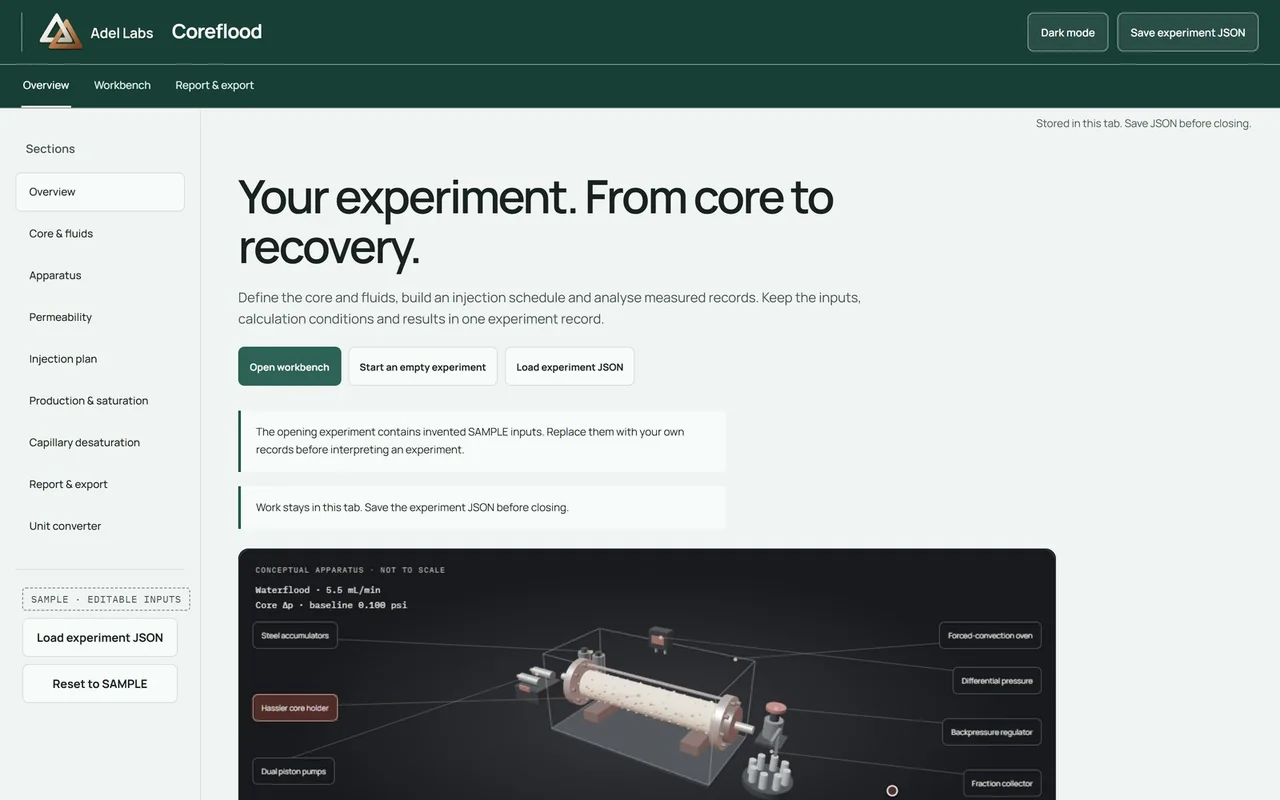
A coreflood workbench connecting sample properties, injection stages, measured production and reporting.
The task
An experiment needs a consistent record from the first core measurement to the final recovery calculation. Units, corrections and source measurements must remain visible along the way.
The outcome
Coreflood runs in the browser at coreflood.adellabs.com and keeps an experiment in one working record. Prepare the core and fluids, analyse stable pressure records, plan injection stages and inspect production and desaturation results. The opening experiment is labelled SAMPLE; start an empty experiment or load a saved experiment JSON to work with your own records.
Inside Coreflood
Enter core and fluid properties, then select stable permeability records.
Set injection stages and enter measured production with explicit corrections.
Export the experiment, derived tables and the active report.
The opening experiment contains invented SAMPLE inputs, and private laboratory tables are not distributed. The workbench plans and analyses experiments; it does not control pumps or certify an operating procedure. The apparatus view is conceptual: it shows the components, not a verified plumbing layout. Save the experiment JSON before closing the tab.
Inspect one result
Open the SAMPLE workbench, review the stated core and fluid properties, then inspect a derived table with its units and assumptions. Export the experiment JSON and the corresponding CSV or report from the workbench. Compare the exported values with the displayed record before using your own measurements.
This route describes how to inspect the existing tool. The portfolio does not supply a separately verified laboratory dataset or certify the result.
Open SAMPLE demoYour next project
Start with the task, who will use the result and what needs to improve.
Or write to imad@adellabs.com.